

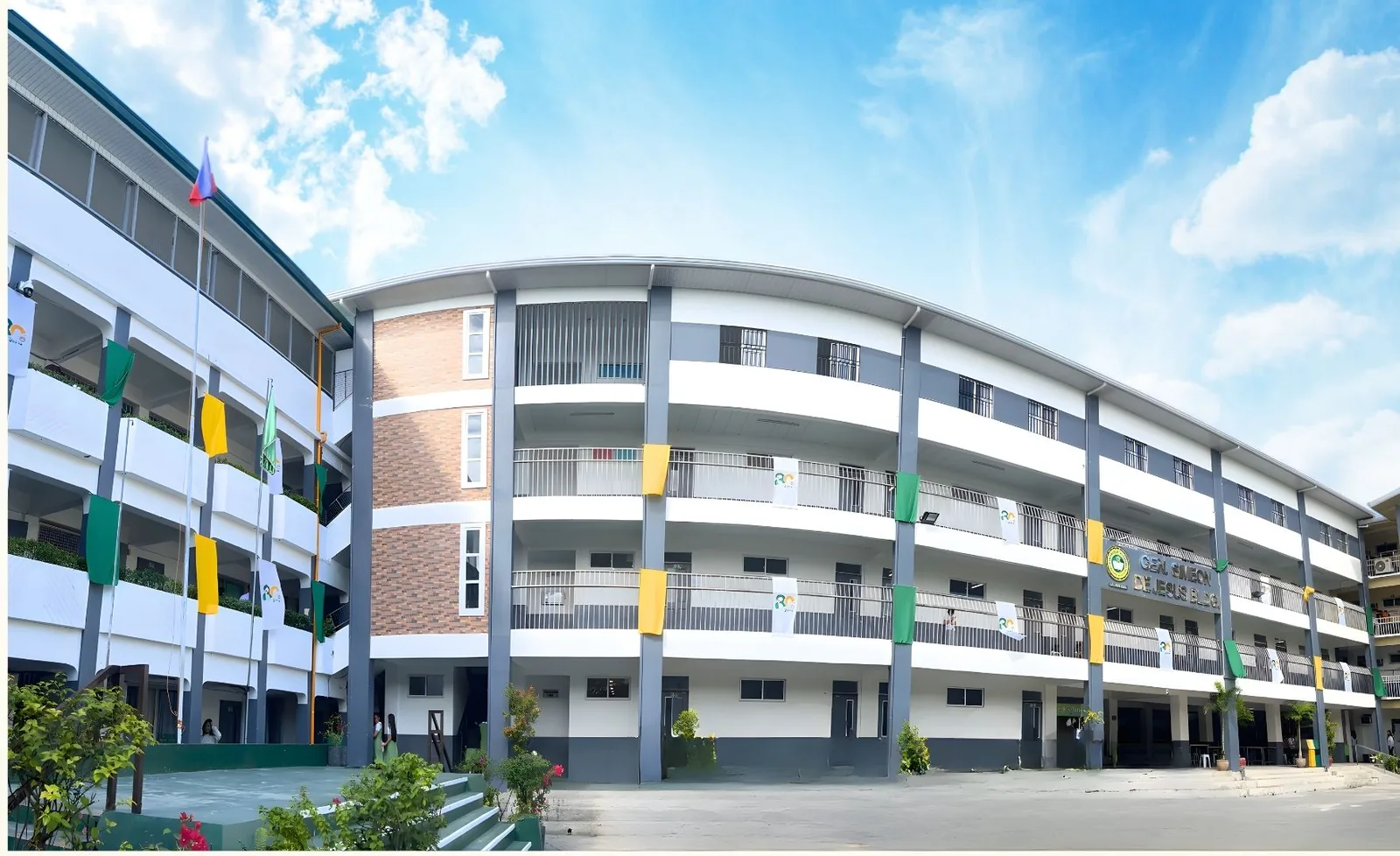

Payment Options
Pay your school fees at the cashier, or online through GCash and LandBank Mobile Banking.
Now accepting digital payments
Fast. Easy. Secure.
GJC now accepts GCash and LandBank Mobile Banking as alternative modes of payment. You can conveniently pay your school fees anytime, anywhere—no need to fall in line!
With just a few clicks, you can settle your balances and secure your slot hassle-free. Experience smarter transactions with GJC!

Your first payment is made at the cashier
Online payment is available only after completing your initial enrollment payment. All students must first register at the Enrollment Hub and pay the first payment at the cashier. Succeeding payments may then be made online.
New to GJC? See the Admission Procedure and Admission Requirements before you enroll.
Ways to pay
How to Pay Your School Fees
Choose the option that works best for you. For online payments, log in to the Student Portal first to check your Student ID number and the amount you need to pay.
Pay at the cashier
Pay in person at the GJC cashier. Your first enrollment payment must be made here.
Pay through GCash
GJC now accepts GCash online payments for faster, safer, and hassle-free transactions anytime, anywhere. Skip the long lines and enjoy a more convenient payment experience.
- Open your GCash app and log in to your account.
- Tap “Bills” from the main menu.
- Search for “General De Jesus College, Inc.”
- Enter the required details: the amount, your Student ID No., Student Name, and Email Address (optional).
Good to know
The GCash app shows a service fee of PHP 20.00 for this biller, and the posting period is the next business day.
-
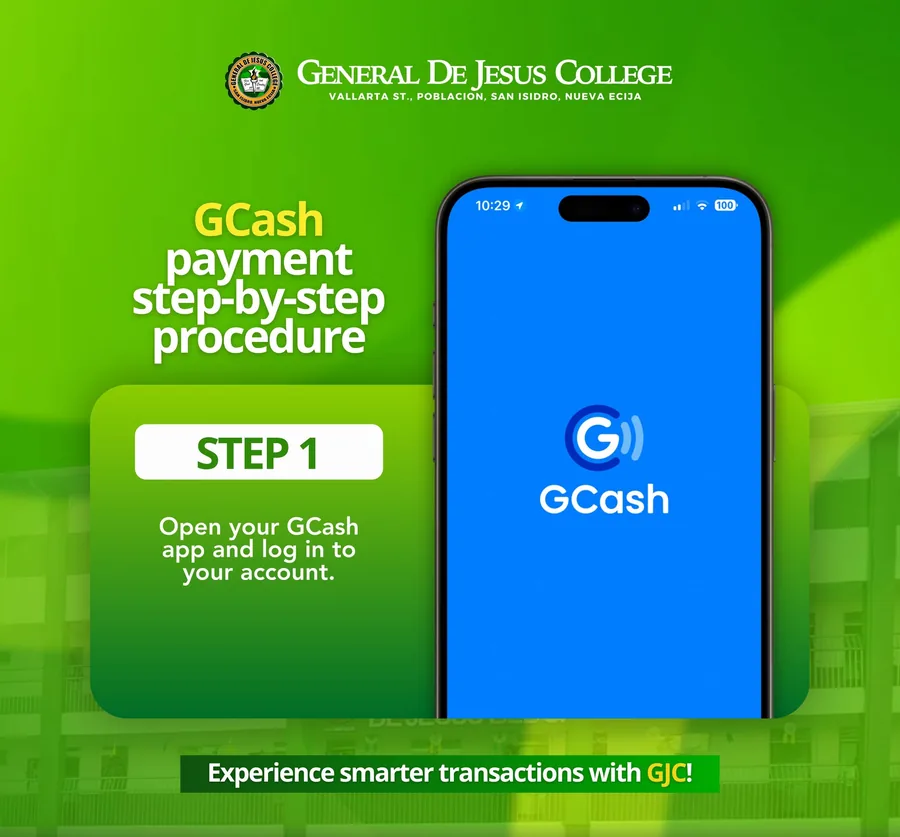
Step 1: Open GCash and log in -
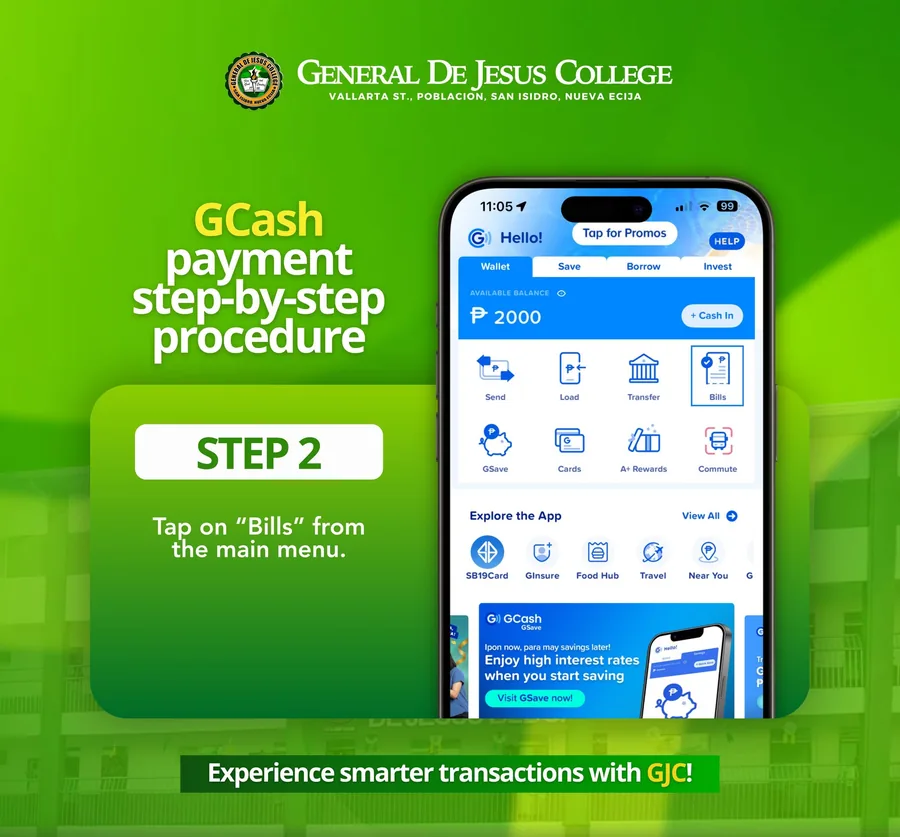
Step 2: Tap Bills -
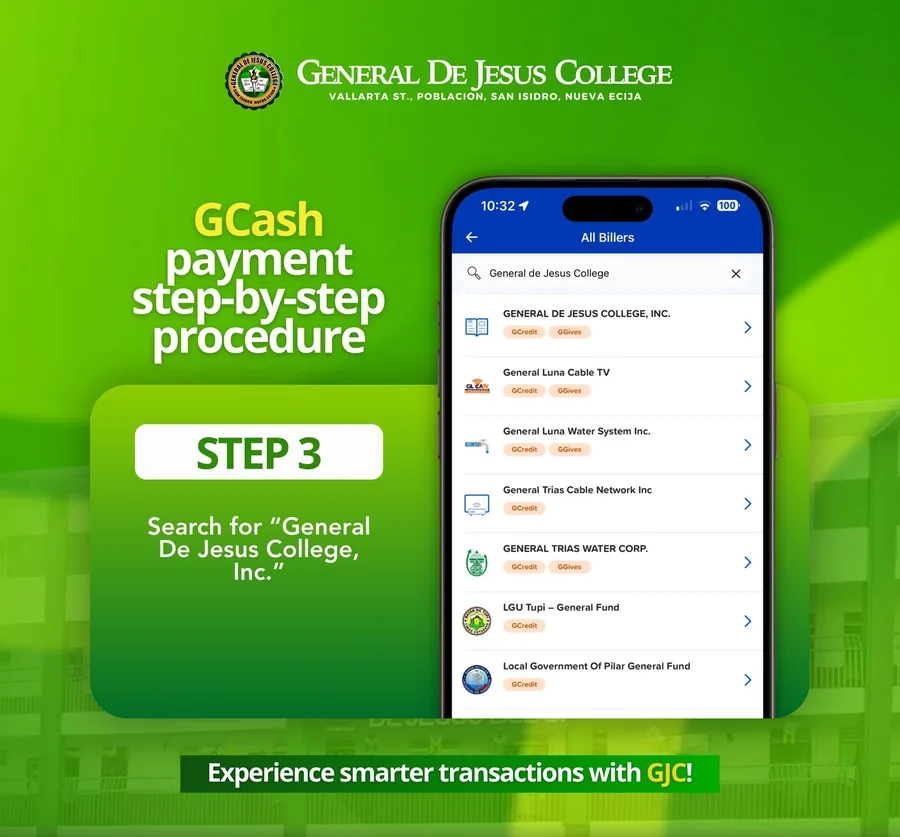
Step 3: Search for General De Jesus College, Inc. -
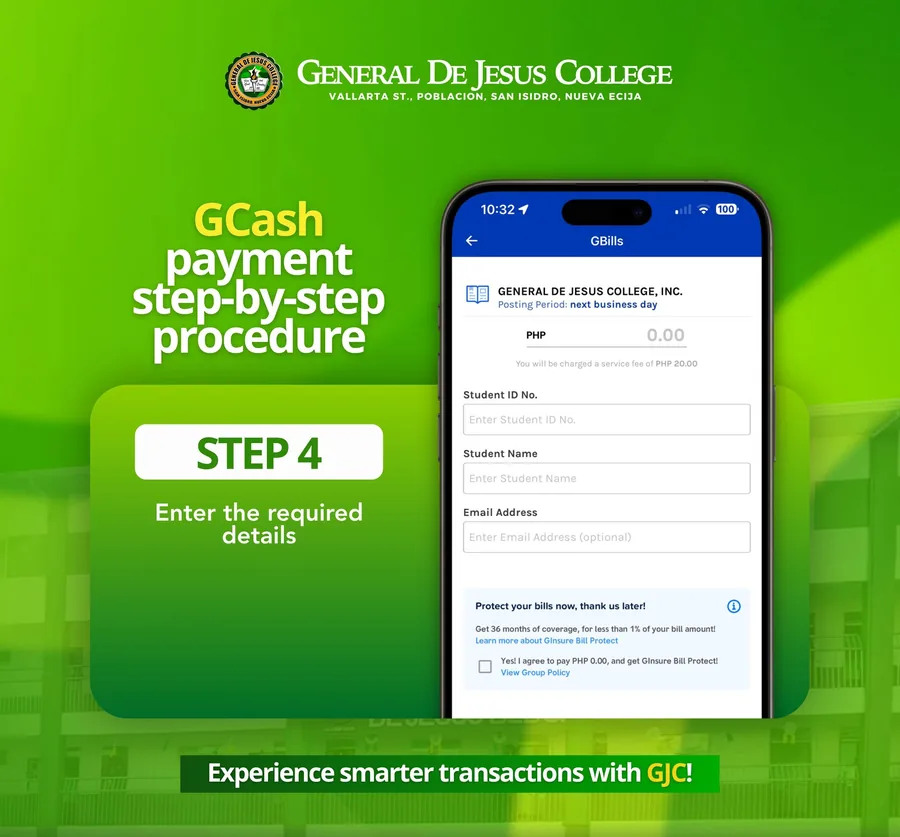
Step 4: Enter the required details
Pay through LANDBANK
General de Jesus College accepts online payments via LANDBANK Link.BizPortal for your convenience and safety. No more long lines—settle your school dues anytime, anywhere!
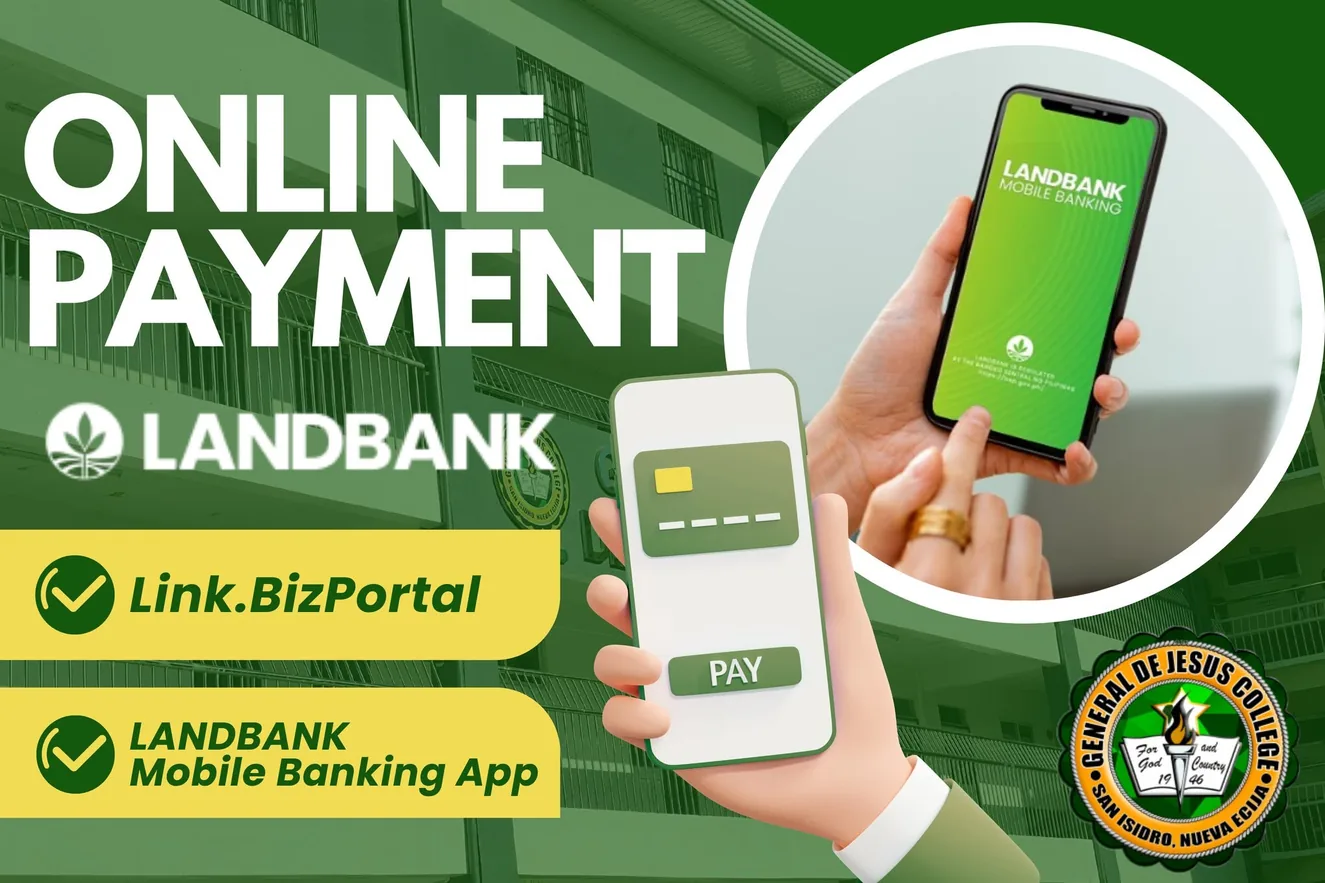
- Access the LANDBANK Link.BizPortal. Visit www.landbank.com > click eBanking > choose Other Digital Banking Services > choose Link.BizPortal. Or, go to the LANDBANK Mobile Banking App.
- Initiate payment. Click Pay Now, search for General de Jesus College in the merchant list, then click Continue and select your transaction type (for example, matriculation or permits).
- Complete the transaction. Fill out the transaction form, choose a payment method (LANDBANK ATM, other bank ATM, GCash, and others), enter the required details and the OTP if needed, then click Submit. You will receive a confirmation receipt with a Transaction Reference Number.
Tip: Always double-check your information before submitting to ensure a smooth transaction.
After you pay online
Confirming Your Payment
Keep your receipt and reference number. LANDBANK gives you a confirmation receipt with a Transaction Reference Number, and GCash payments post on the next business day.
Questions
Frequently Asked Questions
How much is tuition at GJC?
Tuition depends on your grade level or program and on any discount you qualify for, so your exact fees are computed during enrollment. See tuition and fees on the Admission Procedure page, or call (044) 940-6181.
Can I pay my first enrollment payment online?
No. Online payment is available only after completing your initial enrollment payment. Register at the Enrollment Hub and pay the first payment at the cashier.
Where do I find my Student ID number and balance?
Log in to the Student Portal. Your username is your school email; see how to log in.
Is there a fee for paying online?
The GCash app shows a service fee of PHP 20.00 for this biller. For LANDBANK, any fee is shown before you submit. [Confirm LANDBANK fees with the Finance Office]
How soon will my payment be posted?
GCash payments post on the next business day. [LANDBANK posting time]
What if my payment does not show up?
Keep your receipt and reference number, then contact the Finance Office. [Contact details for payment concerns]
Questions About Your Payment?
Call (044) 940-6181 or send us a message, and the Finance Office will help you.